Calendar Views
Your schedule, your way.
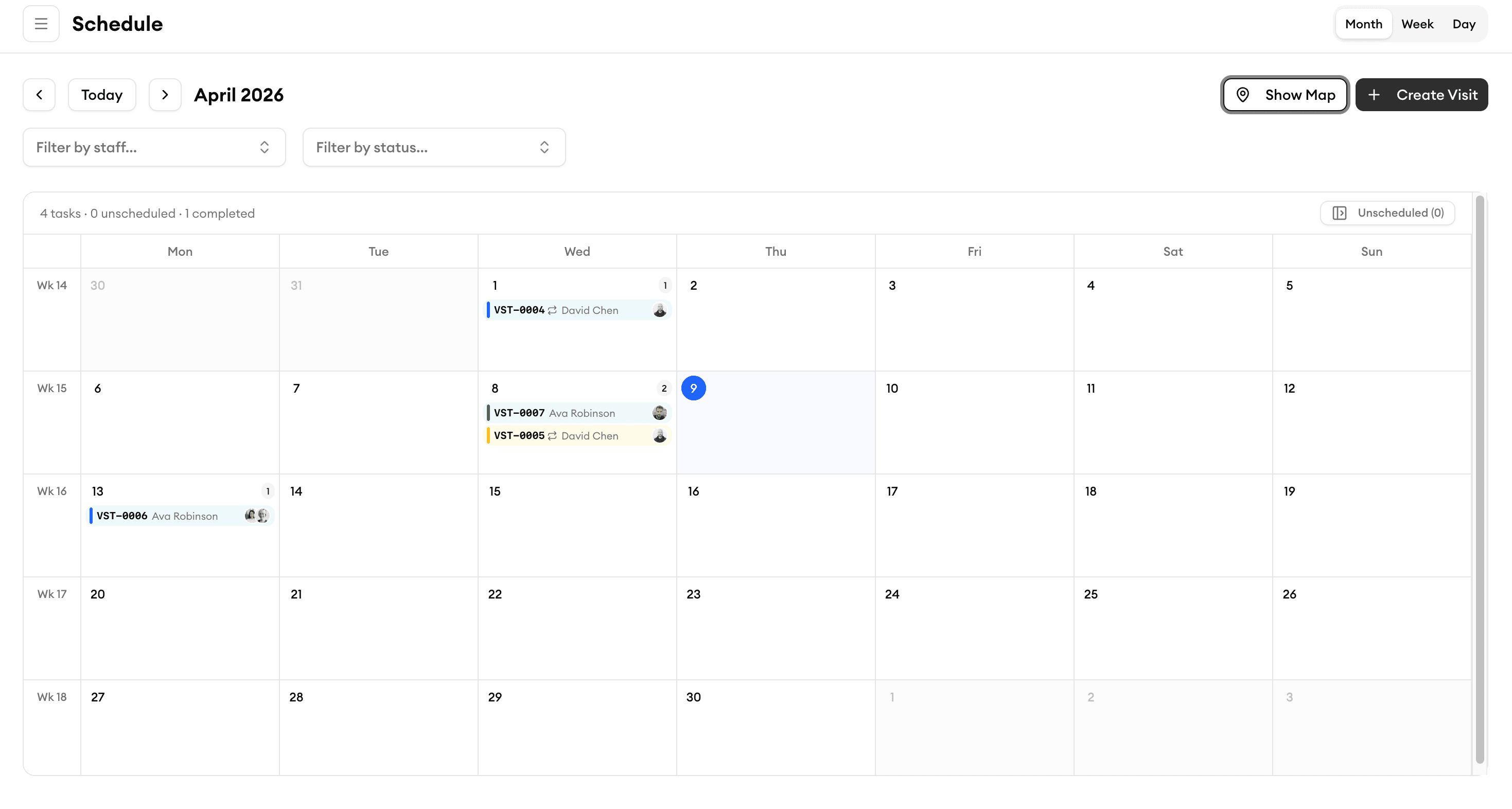
Switch between day, week, and month views to plan your team's work. Color-coded jobs, drag-and-drop rescheduling, and team overlays make it easy to stay on top of every appointment.
Day / Week / Month
Switch views to match how you plan
Toggle between day, week, and month layouts with a single click. Day view shows minute-by-minute detail for tight schedules. Week view lets you balance workloads across the team. Month view gives you the big picture so you can spot gaps and plan ahead.
Color-Coded Jobs
See job types and status at a glance
Every job is color-coded by type, priority, or status so you can scan your calendar and instantly know what's happening.
Drag-and-Drop Rescheduling
Reschedule jobs in seconds, not minutes
Plans change — your calendar keeps up. Drag a job to a new time slot or a different team member and the entire schedule updates instantly. Your crew gets notified on their phone so nobody shows up at the wrong place.
Team Calendar Overlay
See your whole team on one screen
Layer multiple team members' schedules on top of each other to find open slots, spot conflicts, and balance workloads. Filter by crew, skill, or region to focus on exactly what you need.
What our customers say

“My cleaners see their daily schedule, client notes, and directions on their phone. No more confusion or missed appointments.”
James T.
Operations Manager
FreshStart Cleaning

“So easy to use. We onboarded our entire team in one afternoon and never looked back.”
Emily C.
Team Lead
PristinePro Services

“The customer directory keeps every property's access codes, preferences, and history in one place. Our clients are always impressed.”
Tom B.
Owner
GreenSweep Cleaning

“Managing 3 crews used to take half my day. Now I do it in 15 minutes with Homitask.”
Jason K.
Owner
GreenScape Pro

“Route planning on the map saves us fuel and fits more properties into every crew's day. Huge difference.”
Laura T.
Owner
TurfMasters
More tools to grow your business

Job Scheduling
Create, assign, and manage jobs with drag-and-drop simplicity.
Learn more
Team Management
Organize crews, set permissions, and track availability in one place.
Learn more
Route Optimization
Plan the fastest routes between jobs to save time and fuel.
Learn more
Real-Time Notifications
Keep your crew updated instantly when schedules change.
Learn more
Recurring Jobs
Set up repeating appointments that auto-populate your calendar.
Learn more
KPI Dashboard
Track utilization, on-time rates, and scheduling efficiency.
Learn moreReady to simplify your scheduling?
Stop wasting hours on paperwork. Start scheduling smarter and get back to growing your business.
Frequently asked questions
What calendar views are available?
Homitask offers day, week, and month views, plus a map view that plots jobs geographically. You can switch between them with a single click and each view remembers your last filter and zoom settings.
Can I see multiple team members' schedules at the same time?
Yes. The team calendar overlay lets you layer schedules on top of each other. You can filter by individual, crew, skill set, or service area to focus on exactly the people you need.
How does drag-and-drop rescheduling work?
Click and hold any job on the calendar, then drag it to a new time slot or a different team member's row. The system checks for conflicts automatically and notifies the assigned crew member of the change in real-time.
Can I customize the color coding?
Absolutely. You can assign colors by job type, priority level, status, or customer category. Set up your color scheme once and it applies across all calendar views.
Does the map view help with route planning?
Yes. The map view shows all scheduled jobs as pins so you can see geographic clusters. Assign nearby jobs to the same crew member to minimize drive time and maximize the number of jobs completed each day.
Will my team see calendar changes on their phones?
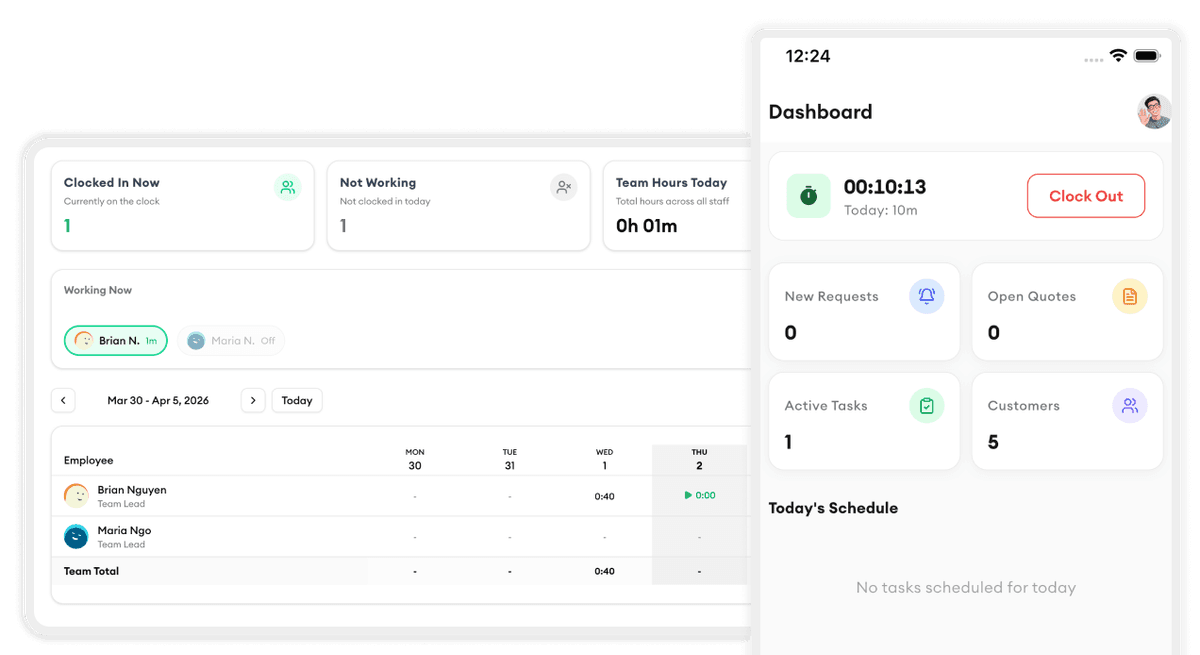
Yes. Any change you make on the calendar — rescheduling, reassigning, or adding a new job — is pushed to your crew's mobile app instantly. They always have the latest schedule in their pocket.