Online Booking Form
Let customers book you 24/7.
Embed a professional booking form on your website or share a link. Customers pick a service, choose a time, and you get notified instantly. No more phone tag.
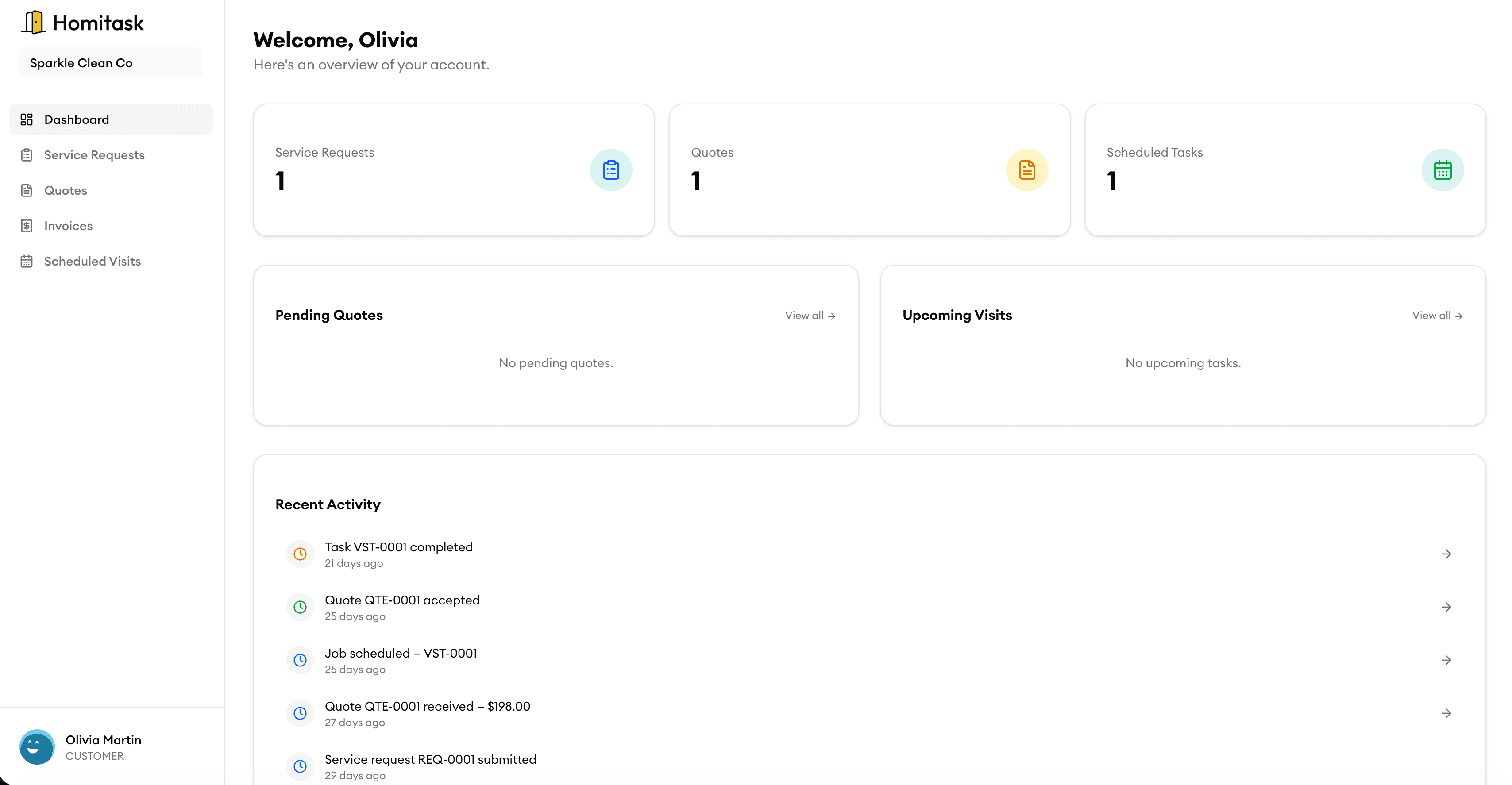
Embeddable Widget
Add booking to your website in minutes
Drop a simple embed code onto any website and your customers can book directly. The widget matches your brand colors and works beautifully on mobile, tablet, and desktop.
Custom Fields & Services
Collect the right info upfront
Let customers select a service, describe their issue, upload photos, and fill in custom fields you define. You show up to every job fully prepared — no surprise calls.
Instant Notifications
Never miss a new booking
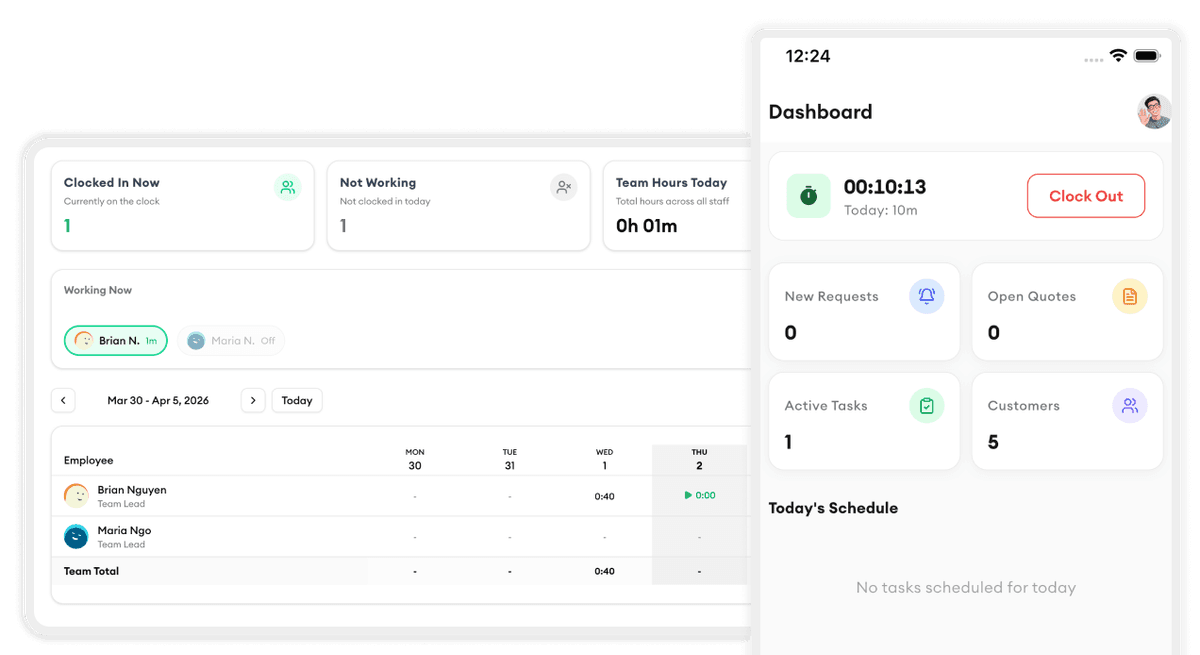
Get instant email and push notifications the moment a customer books. Your team sees new requests in the dashboard and can confirm or reassign them right away.
Customer Self-Service
Customers manage their own appointments
Customers can reschedule, cancel, or add notes to their booking without calling your office. Automated reminders reduce no-shows and keep everyone on the same page.
Booking Management
Review, approve, and schedule from one place
All incoming bookings land in a single dashboard. Accept or decline requests, assign them to your crew, and push them straight to your calendar — all in a few clicks.
What our customers say

“My plumbers love the mobile app. They see the schedule, job details, and directions — no more calls back to the office.”
Peter W.
Owner
PipeMaster Pro

“Customer management finally makes sense. We know every property's service history before we even knock on the door.”
Priya P.
Operations Manager
DrainRight Services

“We stopped losing quotes in email threads. Now everything is in one place and we close jobs twice as fast.”
Robert C.
Owner
BrightWire Electric

“Task assignment with skill matching means we never send the wrong electrician to a job. That alone is worth the price.”
Angela M.
Owner
Spark Electric Co.

“The team timesheet feature ended all the payroll headaches. My guys clock in on their phone and I export to payroll in one click.”
Carlos R.
Field Supervisor
PowerLine Pros
More tools to grow your business

Job Scheduling
Drag and drop to schedule jobs, assign crews, and track progress in real-time.
Learn more
Customer Directory
Keep all your customer details, history, and notes in one searchable place.
Learn more
Automated Reminders
Send automatic email and SMS reminders to reduce no-shows.
Learn more
Invoice Generation
Turn completed bookings into professional invoices with one click.
Learn more
Service Request Tracking
Track every incoming request from submission to completion.
Learn more
KPI Dashboard
Monitor booking rates, revenue, and customer trends at a glance.
Learn moreReady to simplify your scheduling?
Stop wasting hours on paperwork. Start scheduling smarter and get back to growing your business.
Frequently asked questions
How do I add the booking form to my website?
Copy and paste a simple embed code into your website. It works with any website builder — WordPress, Wix, Squarespace, or custom HTML. You can also share a direct booking link via email, text, or social media.
Can I customize what information customers fill in?
Yes. You control which services are listed, what fields customers see, and what information is required. Add custom fields for things like property size, access codes, or special instructions.
Do customers need to create an account to book?
No. Customers can book without creating an account. They just enter their name, contact info, and select a service and time. Returning customers are recognized automatically.
How do booking notifications work?
You receive instant notifications via email and push notification when a new booking comes in. You can also set up SMS alerts. Your team sees new bookings in the Homitask dashboard in real-time.
Can customers reschedule or cancel their booking?
Yes. Customers receive a confirmation email with a link to manage their booking. They can reschedule or cancel based on the cancellation policy you set — no phone calls needed.
Is there a limit on how many bookings I can receive?
No. There are no limits on the number of bookings across any Homitask plan. You can receive unlimited bookings through your online form.