Task Assignment
Put the right person on every job.
Assign tasks to your crew based on skills, availability, and location. Everyone knows exactly what they're doing — no calls, no confusion.
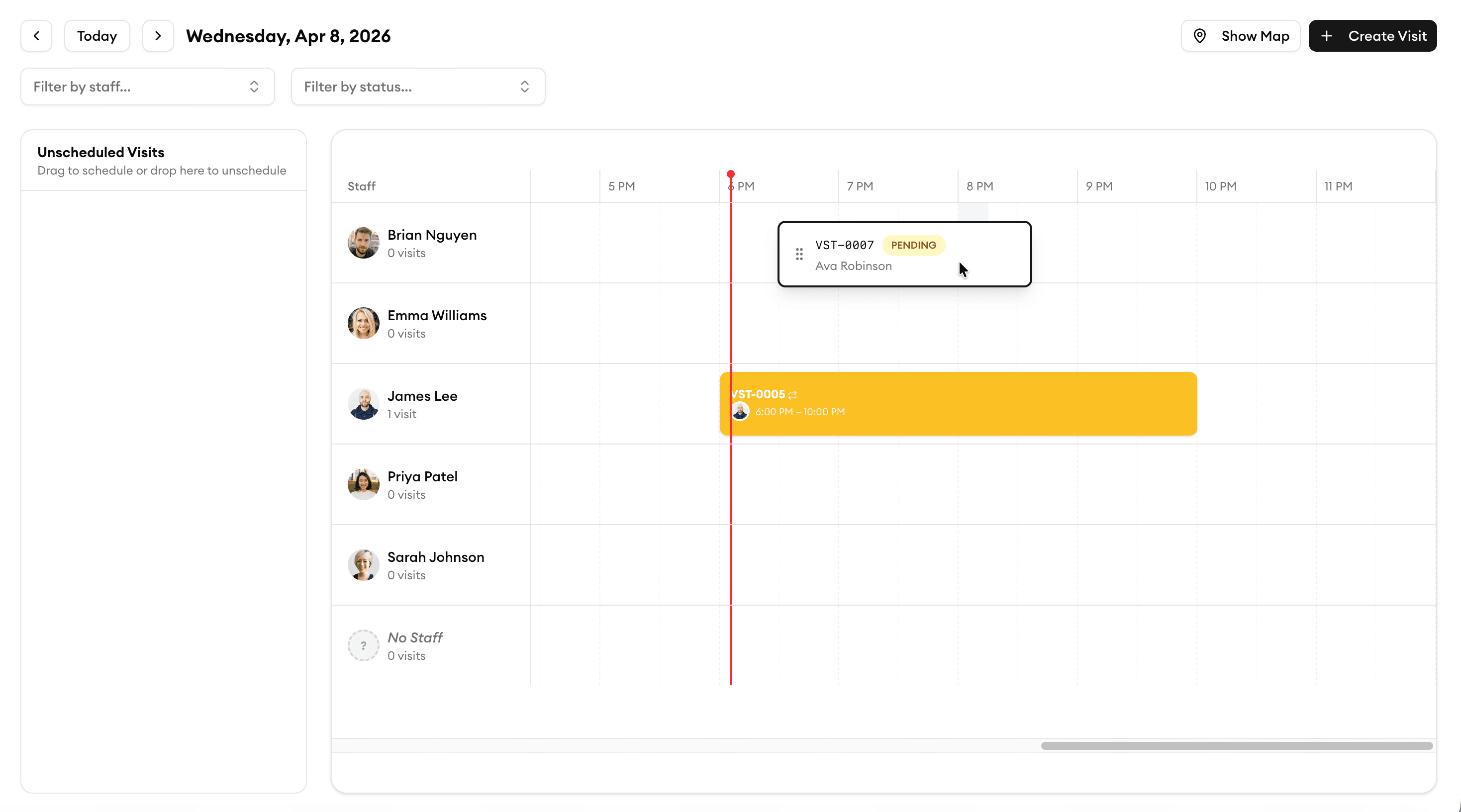
Bulk Assignment
Assign a full day of work in seconds
Select multiple jobs and assign them to a crew member in one action. Drag a batch onto a tech's schedule and they're good to go. Perfect for planning tomorrow's route the night before.
Instant Notifications
Your crew knows immediately
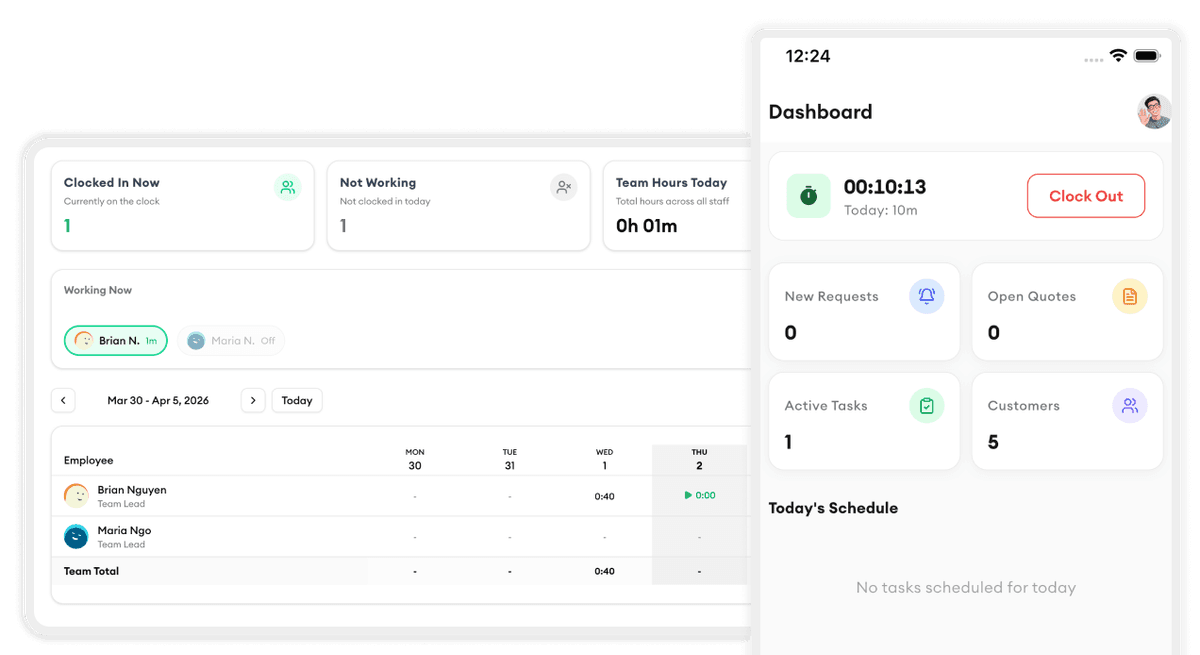
The moment you assign a task, your technician gets a push notification with the full job details — customer info, service address, notes, and one-tap directions. No phone calls needed.
Reassignment
Plans change. Reassign in one click.
Someone called in sick? A job ran long? Drag the task to a different team member and both techs are updated instantly. The customer never knows anything changed.
Workload Balancing
Keep your team balanced and happy
See how many hours and jobs each tech has at a glance. Spot who's overloaded and who has capacity. Balanced workloads mean less burnout and better quality work.
Every View You Need
See all jobs your way — list, timeline, or calendar
Switch between a filterable list, a day-by-day timeline, and a full calendar in one click. Filter by status, technician, service type, date range, or customer to zero in on exactly what you need. Owners and managers get a complete picture of the operation without digging through spreadsheets.
What our customers say
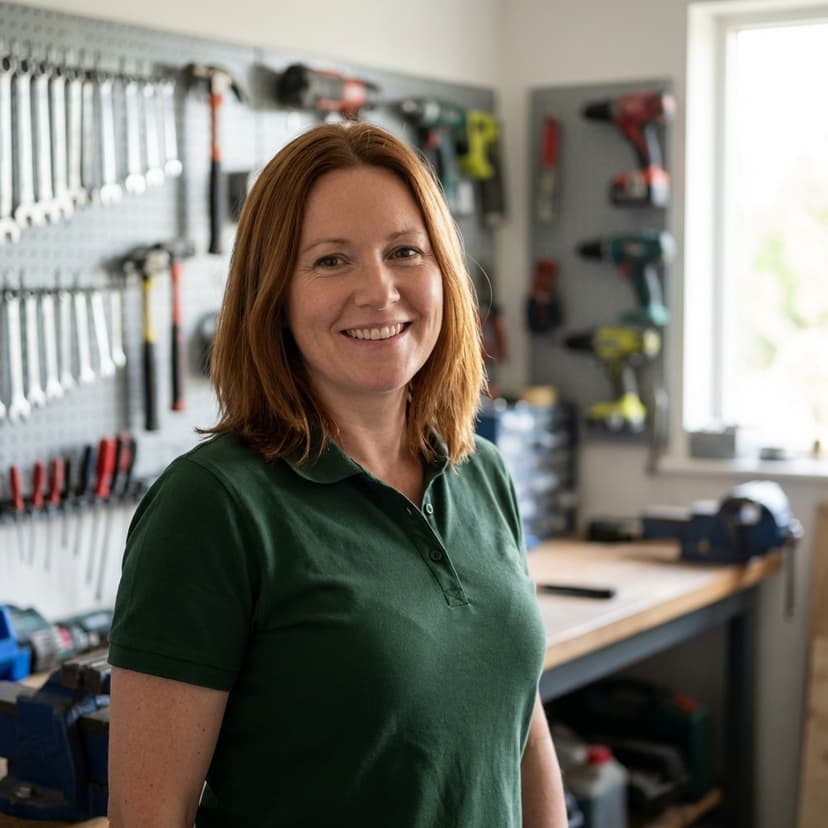
“Task assignment with skill matching means we never send the wrong electrician to a job. That alone is worth the price.”
Angela M.
Owner
Spark Electric Co.

“The team timesheet feature ended all the payroll headaches. My guys clock in on their phone and I export to payroll in one click.”
Carlos R.
Field Supervisor
PowerLine Pros

“Online booking brought in 12 new jobs in the first week. Customers love being able to book on our website 24/7.”
Karen D.
Office Manager
Volt Masters

“We doubled our revenue in 6 months after switching to Homitask. The invoicing and scheduling features are game-changers.”
Maria S.
Owner
Sparkle Clean Services

“My cleaners see their daily schedule, client notes, and directions on their phone. No more confusion or missed appointments.”
James T.
Operations Manager
FreshStart Cleaning
More tools to grow your business

Job Scheduling
Drag and drop to schedule jobs on a visual calendar with conflict detection.
Learn more
Mobile App
Your crew sees assignments, directions, and job details on their phone.
Learn more
Team Management
Organize your team into groups with roles, permissions, and schedules.
Learn more
Customer Directory
All customer info, job history, and notes in one searchable place.
Learn more
Service Request Tracking
Track every incoming request from submission to completion.
Learn more
KPI Dashboard
Track team performance, completion rates, and revenue trends.
Learn moreReady to simplify your scheduling?
Stop wasting hours on paperwork. Start scheduling smarter and get back to growing your business.
Frequently asked questions
Can I assign multiple techs to the same job?
Yes. Some jobs need a crew. You can assign as many team members as needed to a single job, and they'll all get notified with the job details.
How does skill matching work?
You set up skill tags for each team member (e.g., HVAC certified, licensed electrician, senior tech). When assigning a job, Homitask shows you which techs have the right skills for that service type.
What happens when I reassign a job?
The original tech gets a notification that the job has been removed from their schedule, and the new tech gets a notification with full job details. Both updates happen instantly.
Can techs see each other's schedules?
By default, field techs only see their own schedule. Admins and managers can see the full team view. You can adjust visibility in your team settings.
Does it work with recurring jobs?
Yes. Recurring jobs are automatically assigned to the same tech each time. If you need to change the assignment for future occurrences, you can update it in one step.
Is there a free trial?
Yes. Homitask offers a 14-day free trial with full access to all features, including task assignment. No credit card required.